
Stuart The Minion Cursor
Cursors in the pack
Description
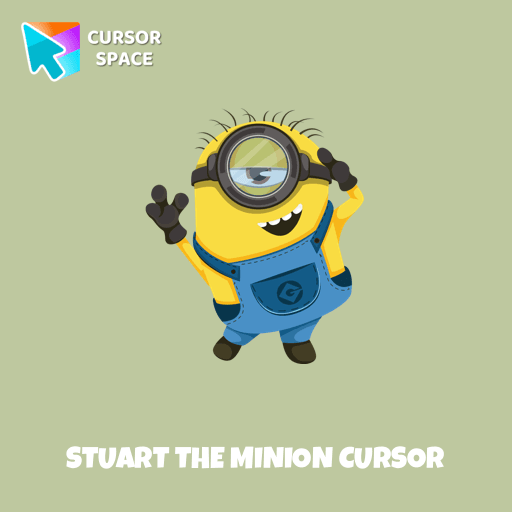
Stuart the Minion is one of the most beloved characters from the Despicable Me universe. Recognizable by his single eye, mischievous grin, and playful nature, Stuart stands out as a fun-loving Minion who enjoys video games, music, and relaxing whenever possible. Unlike some of his more energetic companions, Stuart has a laid-back attitude, often seen strumming his Hawaiian guitar or getting into hilarious adventures.
Now, you can bring his charming and cheeky personality to your browsing experience with the Stuart the Minion custom cursor! This colorful cursor is perfect for fans who want to add a touch of fun and animation to their everyday web surfing. Whether you're scrolling through websites or working on tasks, Stuart’s cute and vibrant design will brighten up your screen.
Designed for Custom Cursor for Google Chrome, this cartoon cursor is easy to install and completely free to use. Whether you love fun cursors, fantasy themes, or character-inspired designs, Stuart fits right in with a collection of themed cursors, featuring elements like rainbows, stars, hearts, and clouds to make your browsing experience more magical.
Don’t settle for a boring mouse pointer—switch to the Stuart the Minion cursor and enjoy a more entertaining and personalized browsing experience. Try it today and let the Minion madness take over your screen!
What's included in the package
- Default Cursor
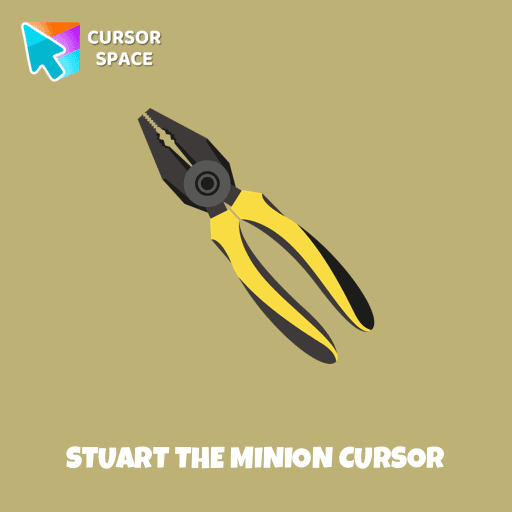
- Pointer (Hand)
How to install a custom cursor pack Stuart The Minion Cursor
Install the Cursor Space extension for Chrome or Cursor Space for Edge in your browser.
On this page, click "Add this cursor pack to the extension".
Open the extension and go to the Packs tab.
Find the custom cursor pack "Stuart the Minion cursor" and click it.
Enjoy!
Ready to install?
Get this cursor pack and thousands of others by installing our extension. It's fast and free!
About this cursor pack
Stuart The Minion Cursor is a themed cursor pack you can add to your browser to personalize your pointer across common cursor states (default and pointer). Use it for everyday browsing, streaming, studying, or gaming-anywhere you want your cursor to match your vibe.
Instant preview
See how the cursors look before installing.
Easy install
Add the pack to the extension in a few clicks.
Works in your browser
Designed for Chrome and Edge via the extension.
FAQ
Quick answers to common questions about cursor packs, collections, and installation.
Do I need an extension?
Which browsers are supported?
How do I switch back to the default cursor?
Collection hits
Installation leaders from "Minion Custom Cursor": free packs, neon/anime/pixel art, quick add to Chrome and Edge.
- TOP 1
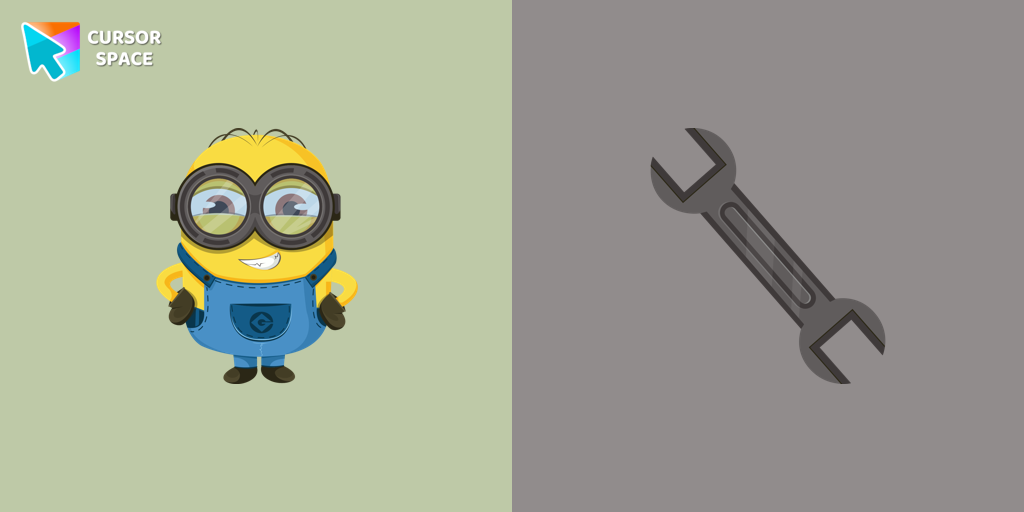
Bob the Minion cursor
(135)FreeAdd fun to your browsing with the Bob the Minion custom cursor for Google Chrome. This adorable design brings Bob’s playful charm to your screen.
- TOP 2
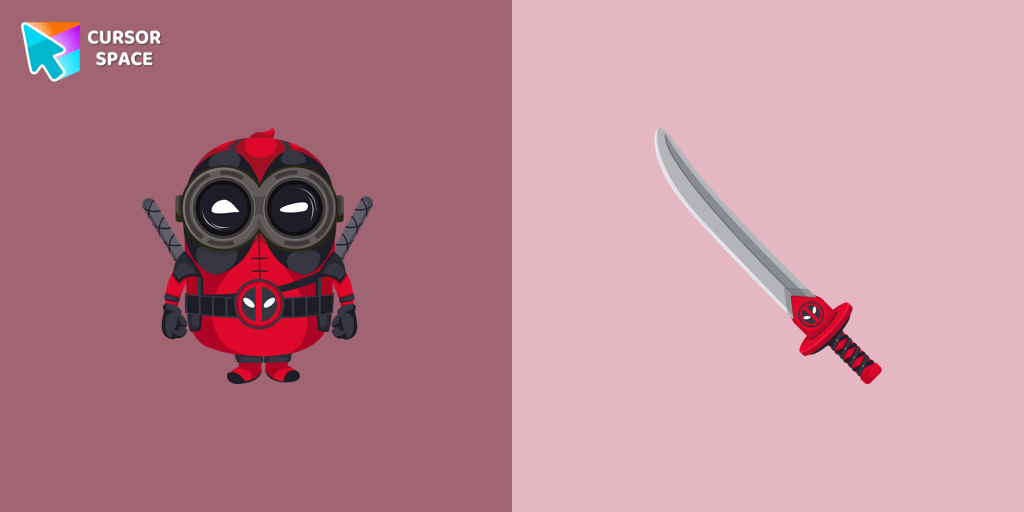
Minion Deadpool Character cursor
(129)FreeThe Minion Deadpool Character custom cursor blends Minion fun with Deadpool's humor. Upgrade your browsing with this custom cursor for Google Chrome.
- TOP 3
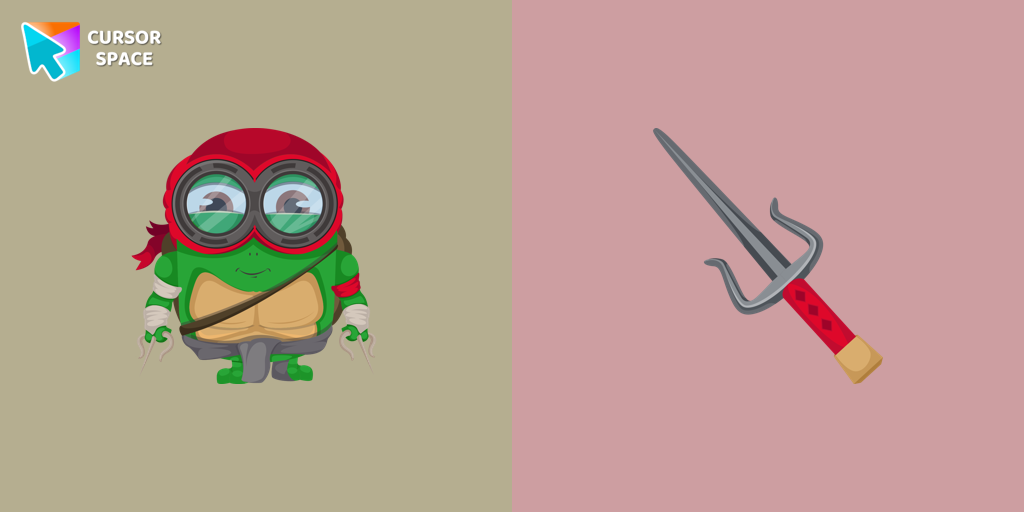
Minion Ninja Turtle Character cursor
(91)FreeTransform your browsing with a custom cursor for Google Chrome! The Minion Ninja Turtle Character cursor combines fun Minions with Ninja Turtle excitement.
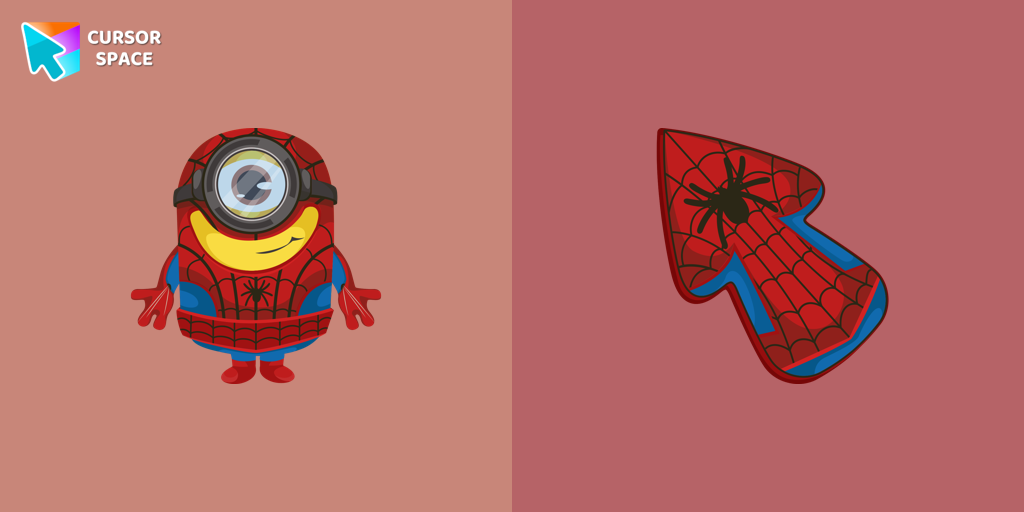
Minion Spider-Man Character cursor
(28)FreeMinions custom cursors collection for Chrome has various art designs skins for characters of the comics that are shown as cursors for browser.
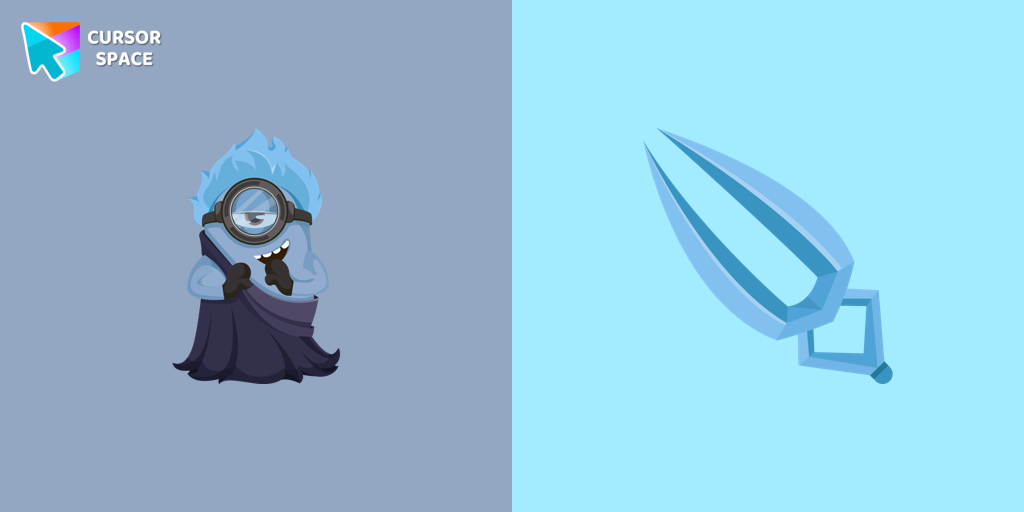
Minion Hades Disney Character cursor
(24)FreeIn our cute custom cursors collection with Minions, we depicted the Minion Hades as a custom cursor for the browser in beautiful graphics.
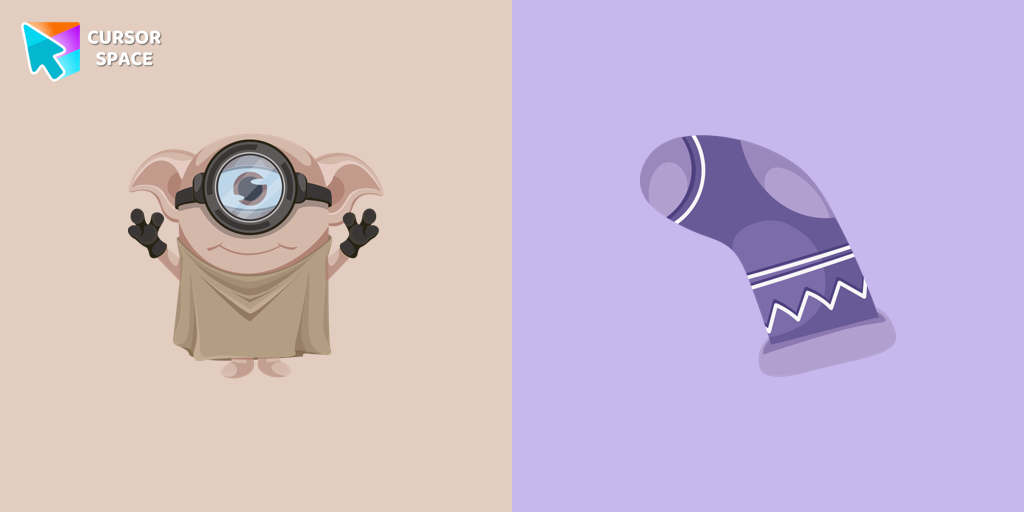
Minion Dobby Character cursor
(23)FreeCute Minion Dobby the house-elf cursor and pointer in our magic custom cursors collection with Minions.
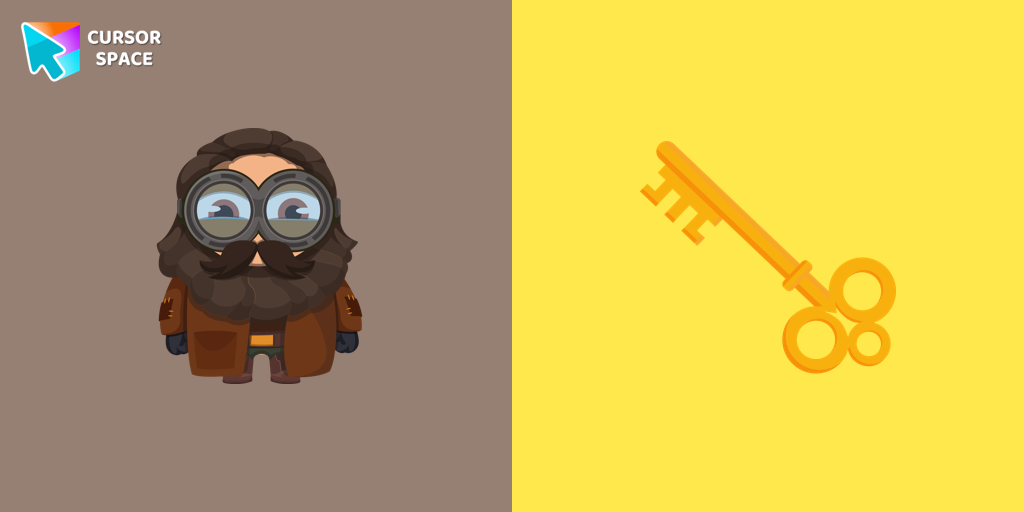
Minion Rubeus Hagrid Character cursor
(21)FreeWell-designed Minion Rubeus Hagrid from Minions custom cursors collection for mouse and pointer.
Install Cursor Space - A Collection of Custom Cursors for Chrome & Edge
Add packs instantly and unlock access to thousands of cursors: neon, anime, pixel-art, and more. Fast, safe, and free.
- Free cursor packs
- HD/HiDPI & animated icons
- Quick browser installation
Cursor Space is an extension for changing your mouse cursor in Chrome and Edge browsers: themed collections, HiDPI icons, neon, animated, and pixel cursors, with quick installation.